
Google Business Profile suspended? How to fix it and get reinstated
The reasons profiles get suspended, the difference between soft and hard suspensions, and the order of steps that gives your appeal the best chance.
Read the guide →Fourteen steps I use with every client to move a business into the Google Maps top three, in the order that actually matters.
By Hemant Chaudhary · Updated November 4, 2026 · 10 min read
Every week someone sends me the same message: “My competitor is always in the top three on Google Maps and I am not. What are they doing?” The answer is almost never a secret trick. It is a handful of things done properly and consistently, usually by someone who started a year earlier.
This guide covers the fourteen steps I take with every local client, in roughly the order I take them. I have been doing local SEO since 2011, and I manage profiles for clinics, hospitals, salons and contractors in India, the US and the UAE. Everything here is based on that work, not on theory.
Google says local results are based on three things: relevance, distance and prominence.
Every step below improves relevance or prominence. Keep that in mind and the rest of local SEO makes much more sense.
This is the single most powerful setting on your profile. Your primary category decides which searches you are even eligible for. A skin clinic listed as “Medical clinic” will struggle to rank for “dermatologist near me”, no matter how many reviews it has.
To choose, search your main keyword in your area, open the top three profiles, and look at their categories. A free browser extension such as GMB Everywhere or Pleper will show them. Pick the most specific category that genuinely describes your main service. Then add secondary categories for other real services, but do not add categories for things you do not do.
Complete profiles rank and convert better. That means business hours including holiday hours, phone number, website, appointment link, services with descriptions, products if relevant, attributes such as wheelchair access or women-led, and an opening date. Every empty field is a small missed signal.
You have 750 characters. Use the first 250 to say clearly what you do, for whom and where. Mention your main services and your area naturally, once each. Avoid links, promotions and keyword lists. The description has a modest effect on ranking, but a big effect on whether people call.
Google cross-checks your details with directories, social profiles and your website. If your profile says “SCO 123, Sector 34-A” and Justdial says “123, Sec 34A” and your website footer has an old phone number, that inconsistency weakens trust. Choose one exact format and use it everywhere. This is called NAP consistency, and fixing it is unglamorous but effective.
The website link on your profile should go to the page that best matches your primary category and location, which is not always the home page. That page should mention your main service, your area, your address and phone, and ideally include LocalBusiness schema. A strong landing page is one of the clearest differences between businesses in positions one to three and those in positions four to ten.
Reviews influence both ranking and conversion. What matters most:
I explain how to ask without breaking Google’s rules in how to get more Google reviews. Never buy reviews or offer rewards for them. It is against Google’s policy and can lead to suspension.
Photos of your exterior, interior, team, work and products help customers choose you, and profiles with regular photo activity tend to see more engagement. Take them on a phone in good light, avoid stock images, and add a few new ones every month. Exterior photos also help Google and customers confirm your location.
Posts have a small direct effect on ranking but a clear effect on engagement. Use them for offers, events, new services, before and after examples and answers to common questions. Weekly is a good rhythm. On my monthly plan I publish twenty posts a month for clients because the extra activity consistently improves calls and clicks.
The services and products sections give Google more vocabulary about what you do. List every real service, write a short description for each, and add prices or ranges where you can. For many businesses this is the quickest relevance improvement available.
Citations are mentions of your business on directories and other websites. In India the basics are Justdial, Sulekha, IndiaMART for B2B, Practo for doctors, Zomato for restaurants and relevant industry directories. In the US they include Yelp, BBB, Apple Business Connect and Bing Places. Quality and accuracy matter far more than quantity.
Links from local news sites, associations, sponsors, suppliers and community pages tell Google you are a real, known part of the area. One link from a local newspaper is worth more than dozens from random directories. Look for opportunities you already have: events you sponsor, suppliers who list stockists, associations you belong to.
If you serve several areas, a genuine page for each one, with specific information about that area and the work you do there, can extend your reach beyond the immediate radius of your address. Avoid creating dozens of near-identical pages with the city name swapped. Google ignores them and they can drag the whole site down.
Customers ask questions on your profile and in messages. Answering quickly and clearly improves conversions and gives Google more content about your business. If you cannot respond within a few hours, it is better to turn messaging off than to leave people waiting.
Because distance matters, checking your rank from your own office is misleading. Geo-grid tools scan your ranking from a grid of points around your business and show where you are strong and weak. Combine that with your Business Profile performance data (calls, direction requests, website clicks) and Search Console data from your website. Those numbers tell you whether the work is paying off.
If something has already gone wrong, see how to fix a suspended Google Business Profile or why your business is not showing on Google Maps.
For most clients, profile views and searches start moving within four to six weeks of the first fixes. Calls and direction requests follow. Stable top three positions on main keywords typically take three to six months, depending on competition. A salon in a small town moves faster than a dentist in central Delhi with thirty established competitors nearby.
To make this concrete, here is a composite of several clinic engagements, combined so that no single client can be identified. The steps and their order are exactly what I do.
The clinic was listed as “Medical clinic” with the speciality only mentioned in the description. We changed the primary category to the specific speciality after checking the top three competitors, added two relevant secondary categories, and removed one that did not apply. We listed eighteen treatments as services, each with a two-line description. The pin was about forty metres from the actual entrance, so we corrected it. The website link moved from the home page to the main speciality page, which we rewrote to mention the sector, the city and the doctor’s credentials. We also found two duplicate listings created years earlier and had them removed.
We set up a simple review routine at the reception desk: a QR code card and a WhatsApp follow-up message with the direct review link, sent the same afternoon. Reviews went from roughly two a month to about ten a month, many mentioning specific treatments. We started weekly posts and uploaded twenty new photos of the reception, consultation rooms and team. We cleaned up citations on the main Indian directories so the name, address and phone matched exactly.
We added three new website pages for high-value treatments that patients often researched before booking, each with a short FAQ, plus LocalBusiness and FAQ schema. We earned two local links, one from an association listing and one from a community event page. Profile views, calls and direction requests had all risen compared with the starting point, and geo-grid scans showed the clinic in the top three across a noticeably wider area than before.
None of these steps is clever on its own. The result comes from doing all of them, in the right order, and then continuing every month.
If you travel to customers, such as plumbers, electricians, cleaners, movers, tutors or mobile beauticians, you can rank on Maps without showing an address. The rules are slightly different:
Chains, franchises and businesses with several branches need one profile per real location, each with its own phone number if possible, its own landing page on the website and its own review flow. Use a consistent naming pattern, such as “Brand Name, Sector 35”, only if that is how the branch is actually signed. Monitor each location separately, because one strong branch does not lift a weak one.
The principles are the same, but some details differ. In India, video verification is now common, Justdial and Sulekha are important citation sources, addresses are often written inconsistently, and many searches mix Hindi or regional languages with English. In the US, postcard and phone verification still appear, Yelp, BBB and Apple Business Connect matter more, and some categories such as plumbing and locksmiths face heavy spam fighting. I work in both markets, and for US businesses I have a separate site, GMB Expert USA.
You do not need expensive software to start. The Business Profile dashboard and Search Console are free and tell you most of what you need.
Most businesses see early movement in profile views within 4 to 6 weeks, and more stable top three positions on their main keywords in 3 to 6 months. Competitive categories in big cities take longer.
Not in the organic results. You can run Local Services Ads or Google Ads with location extensions, which appear above or within the Maps results as ads, but paying does not improve your organic Maps ranking.
Yes, keywords in the business name do appear to help, which is exactly why Google penalises adding them when they are not part of your real name. Use your real, legal or signage name only. Keyword stuffing is a common cause of suspension.
You can rank without one, but a good website page linked from your profile helps relevance and converts visitors better. Almost every business in the top three for competitive searches has a strong website behind it.
Because distance from the searcher is one of the three main ranking factors. You might be first for someone two streets away and tenth for someone three kilometres away. Geo-grid tracking shows this clearly.
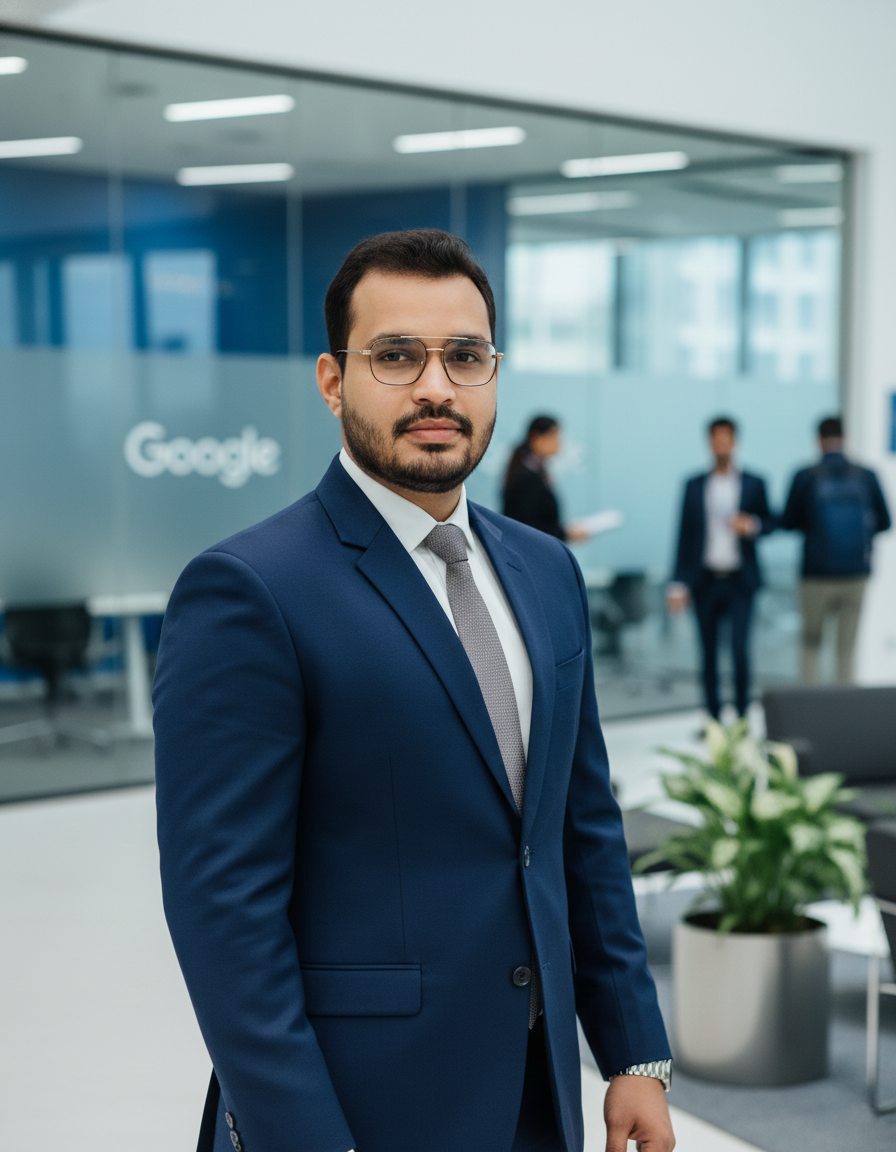
Freelance Local SEO and Google Business Profile specialist in Chandigarh since 2011. Top Rated on Upwork with a 100% Job Success Score. More about me.
The reasons profiles get suspended, the difference between soft and hard suspensions, and the order of steps that gives your appeal the best chance.
Read the guide →What SEO really costs in India, what you should get at each budget, and the warning signs that a cheap or expensive quote is not what it seems.
Read the guide →Video verification is now the most common method for new profiles in India. Here is exactly what to film, in what order, so you pass the first time.
Read the guide →Send me your website or Google Business Profile link. I will compare you against the three businesses beating you in Chandigarh and tell you honestly whether it is worth paying anyone to fix.
Usually replied to within a few hours. No sales calls, no pressure.